
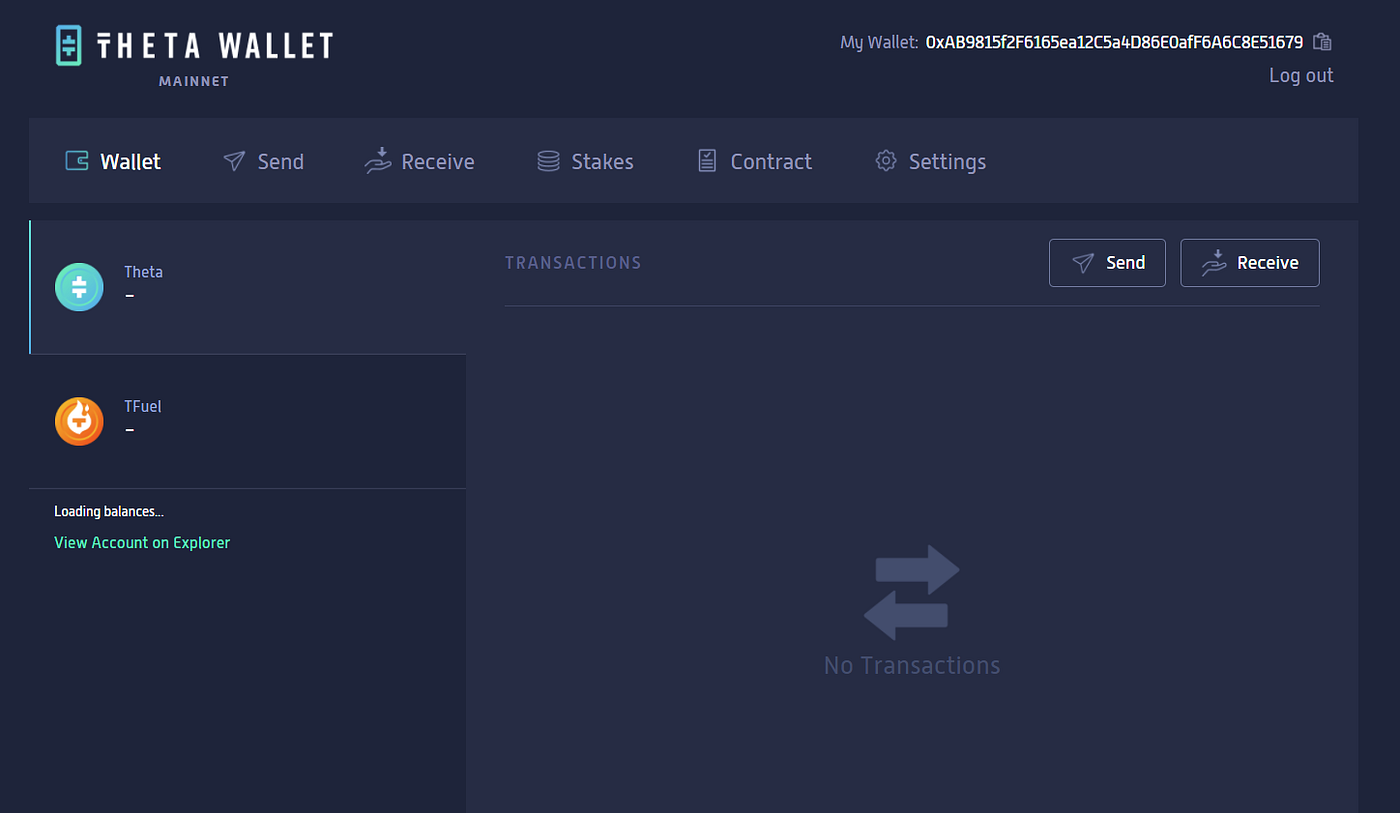
The Theta web wallet is now available. PC users can access the web wallet at https://wallet.thetatoken.org/.
When you first logon, you will have the option to unlock an existing wallet (from encrypted keystore file, mnemonic/seed phrase, or private key) or create a new wallet.
If you create a new wallet, we recommend you do so offline. One you reach the Theta Wallet site, take your device offline / put it in airplane mode, then click “Create Wallet”. Next you will download an encrypted keystore file and create a wallet password. This encrypted keystore file on your computer will be used to unlock your wallet any time you want to access it. You will then need to copy down the mnemonic/seed phrase (and private key, if you choose to) and store them in a safe place. Your mnemonic/seed phrase and private key are the only way to restore your Theta wallet if you lose your keystore file and/or wallet password! Make sure you save them correctly and store them offline in safe place (never online or in the cloud!). Once your wallet has been created, you can re-connect your device to the internet and unlock your new Theta wallet.
If you are unlocking an existing wallet, we recommend you take your device offline while uploading your keystore or entering your mnemonic phrase or private key. Once the wallet has been unlocked, you’ll see a message indicating that it’s safe to connect to the internet and continue to the wallet.
Once you’re in your Theta wallet, you can check the balance of your THETA and TFUEL tokens and send or receive tokens.
For additional info see the Theta Docs page.
Cheers,
The Theta team