Nvidia's RTX line was built for gaming and creative rendering — and outside of AI, that's still exactly what it's best at.
Rendering a Blender scene, grading a 4K timeline, or exporting a finished cut all lean on the same RT cores and hardware encoders built into every RTX card. Rented by the hour instead of purchased outright, an RTX GPU gives freelance artists, editors, and small studios the same acceleration that render farms and post-production houses pay premium rates for, at a fraction of the cost.
What RTX GPUs Handle Well
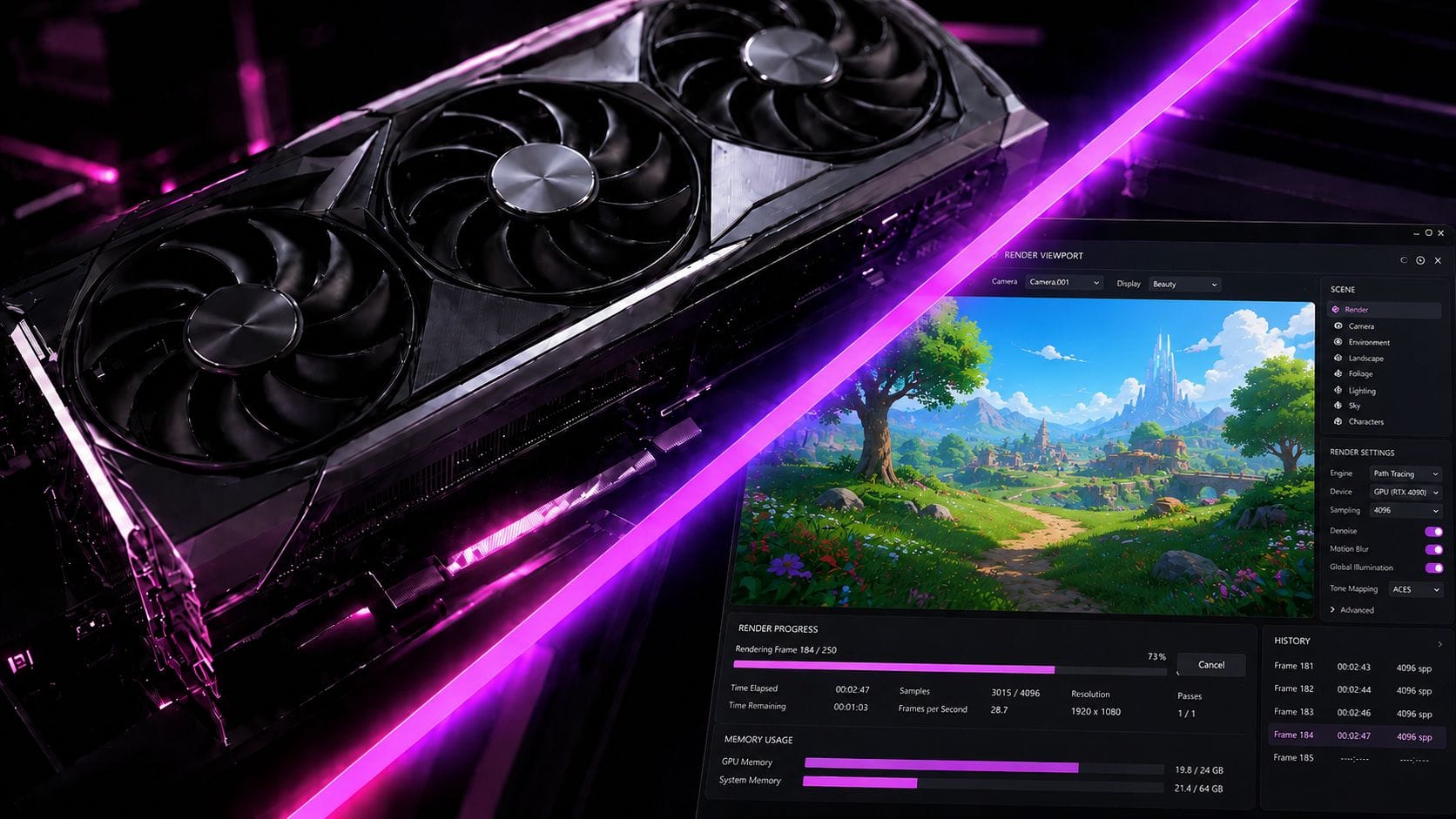
Most rendering and editing work doesn't need a specialized farm node. In Blender, the Cycles renderer's OptiX backend uses RT cores to accelerate ray and BVH traversal directly in hardware, and the same RT cores speed up GPU renderers like V-Ray GPU, OctaneRender, and Redshift. On the editing side, DaVinci Resolve and Premiere Pro's Mercury Playback Engine use CUDA to scrub, color-grade, and preview effects in real time, while dedicated NVENC hardware encoders cut export times without ever touching the CPU. Real-time engines benefit too: Unreal Engine's Lumen uses RTX hardware ray tracing for lighting that updates live, which is why so many virtual-production stages are built around RTX hardware.
The honest limit is large-scale, multi-shot animation and VFX work — feature-length CG with huge frame counts, heavy simulation caches, and studio-scale asset libraries. That's still the domain of render farms running hundreds of nodes in parallel, where the economics favor scale over a single card. RTX GPUs aren't a drop-in replacement for a farm at that size, but for look-dev, previz, motion graphics, and the day-to-day rendering and editing most freelancers and small studios actually do, they're a genuinely strong fit.
RTX Models Worth Renting
Theta EdgeCloud offers RTX cards spanning several generations, each suited to a different budget and workload.
RTX 3090
The RTX 3090 remains a standout value pick for rendering. Its 24 GB of VRAM comfortably holds the large texture sets and scene caches that trip up smaller cards in Octane or Redshift, making it a reliable choice for mid-complexity 3D scenes and 1080p-to-4K editing timelines.
RTX 4090
The RTX 4090 is the workhorse of the lineup, with the same 24 GB of VRAM as the 3090 but meaningfully more RT and CUDA cores, making renders in Cycles, V-Ray, and Octane noticeably faster. Its dual NVENC encoders also cut video export times nearly in half compared with a single-encoder card.
RTX 5080
The RTX 5080 brings Nvidia's newest architecture to a mid-range card. With 16 GB of GDDR7 memory and faster RT cores, it suits lighter-to-mid rendering jobs and 4K editing timelines where the scene or project comfortably fits in memory.
RTX 5090
The RTX 5090 sits at the top of the RTX lineup, with 32 GB of GDDR7 memory — the most of any consumer card Nvidia has shipped. It's the closest an RTX card gets to farm-node headroom, well suited to heavier scenes, longer sequences, and 6K-to-8K editing timelines.
Why Price-to-Performance Can Make RTX the Practical Choice
The clearest argument for RTX GPUs is economic. Cloud render farms typically charge $0.50 to $3.00 per GPU-hour, and some fixed-rate services run considerably higher. RTX cards on Theta EdgeCloud start well under a dollar an hour, even at the flagship end of the lineup.
That gap matters because most rendering and editing jobs don't need farm-scale parallelism or enterprise interconnects. Paying farm rates for headroom a single project will never use is money spent on capacity, not output.
RTX GPUs deliver strong throughput per dollar for the workloads most studios and freelancers actually run, and renting by the hour means there's no idle capital sitting between projects. Teams can start on RTX hardware, iterate quickly and cheaply, and only step up to a full render farm or data-center GPUs when a specific project genuinely demands it.